


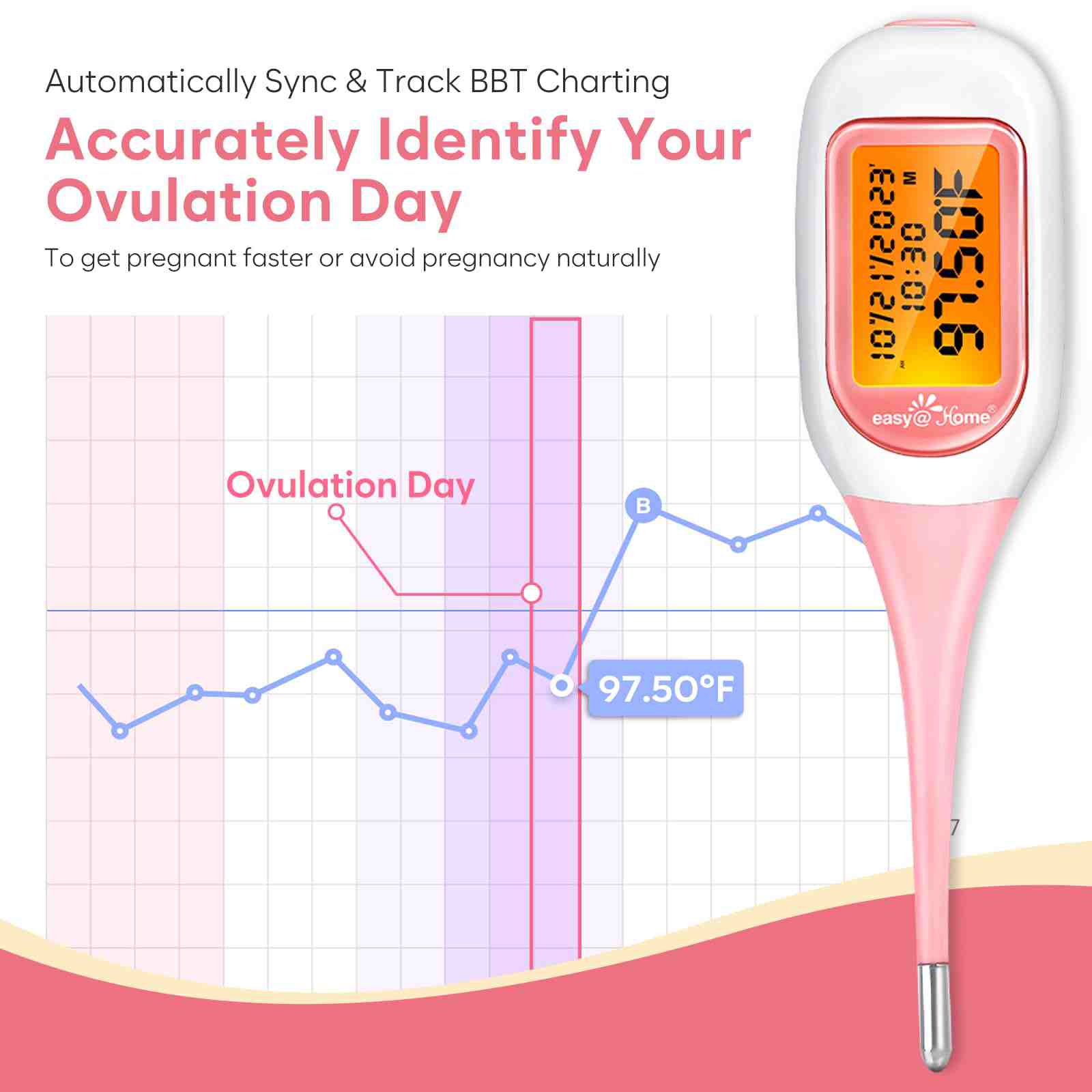

Easy@Home Smart Basal Thermometer with Bluetooth Connection
EBT-300(BT-A31)-PINK:1
Price range: $36.99 through $39.99
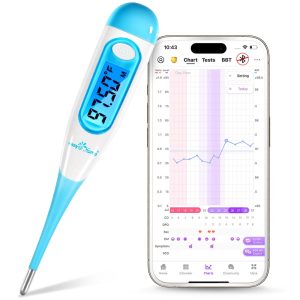
- Effortless Pregnancy Journey with Premom App
- Seamless Tracking with Smart Basal Thermometer
- Intelligent Fertility Predictions
- Clinical Precision and User-Friendly Features
- Additional Benefits and Customer Satisfaction
Unique Features

Bluetooth-Enabled

Large LCD Backlit Screen

Unlimited In-App Recording

Waterproof Tip
Innovative BBT Technology for Enhanced Tracking

Cross Check in our App
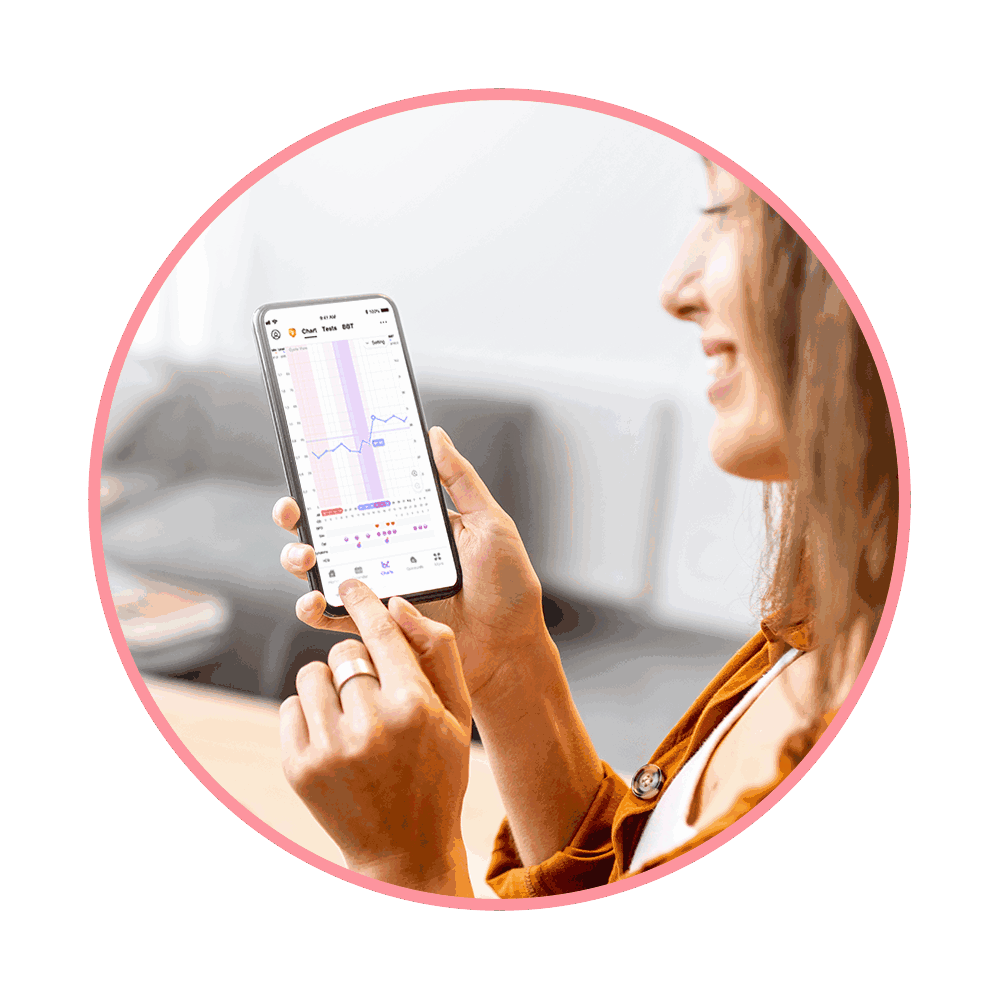
Auto Sync & BBT Charting
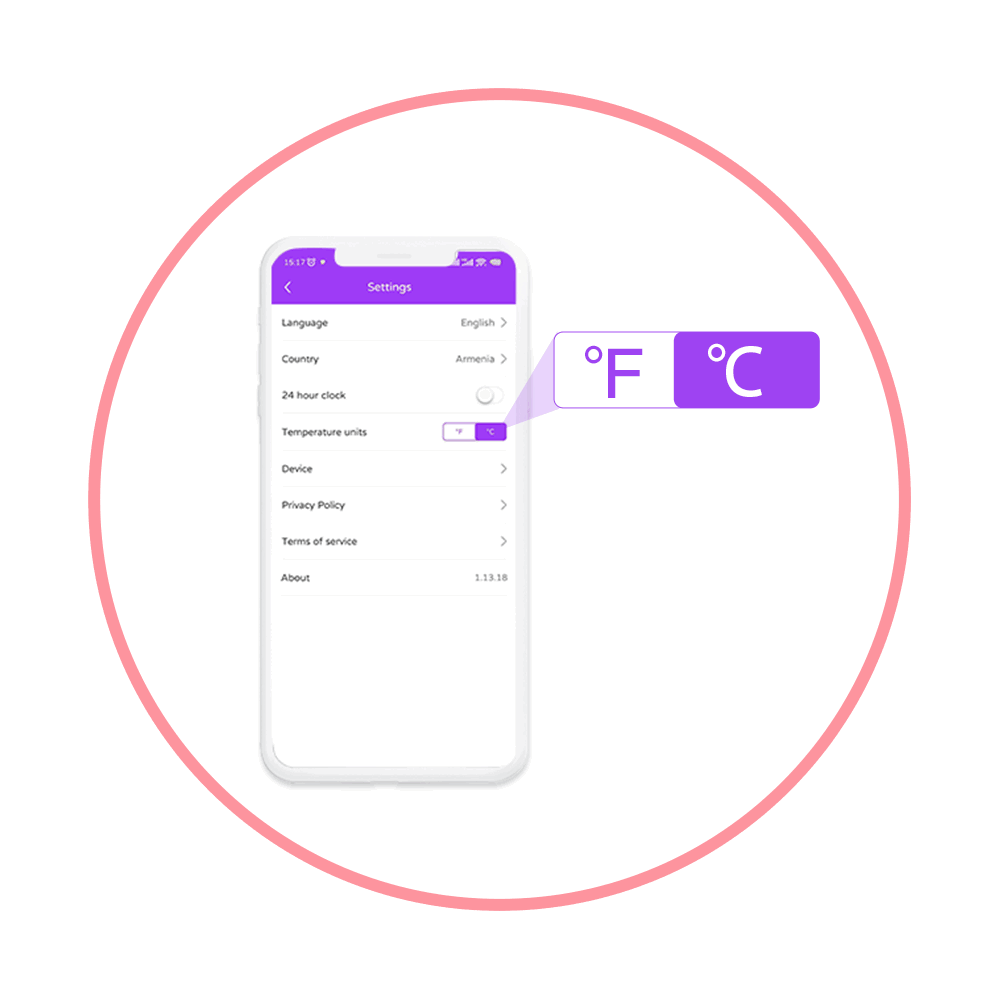
In-App Switch °F to °C

Unlimited Cloud Storage
About Premom App
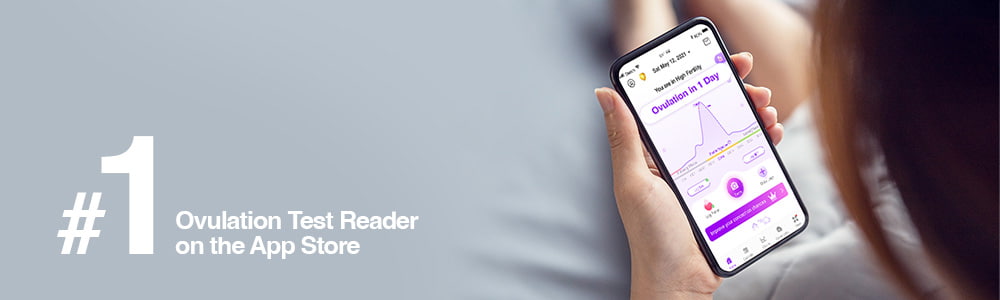
Empower yourself with knowledge of your ovulation and menstrual cycles! The Easy@Home Ovulation Predictor Kit (OPK), in conjunction with the Premom App, assists you in gaining a deeper understanding of your cycles, ultimately aiding you in conceiving quickly and naturally.
Product FAQs
BBT, or basal body temperature, is your morning body temperature measured with a specialized thermometer. It tracks subtle temperature changes to reflect hormonal shifts throughout your cycle, aiding in predicting fertile days for conception.
1.Turn on Bluetooth on your device.
2. Turn on Easy@Home Smart Basal Thermometer.
3. Premom will automatically pair your thermometer with the App on your phone.
1.Upon waking up, turn on Thermometer. Place the probe under your tongue and takereading.
2. In 90 to 120 seconds, you will hear 2 short beeps and your temperature reading will bedone.
3. Your reading will automatically sync to your Smartphone if it is nearby, the Bluetooth is enabled, and the Premom app is running. If the App is not on or the Bluetooth is not enabled, the reading will be uploaded whenever the App is turned on and your thermometer is connected.
1.Swipe left or right on any part of the chart to see past temperature charts.
2. Spread or pinch to zoom in or zoom out chart to see temperature scale based on a bigger or smaller date range.
3. Tap on a temperature dot to see your temperature on that day.
4. Tap “Edit” or “Delete” to change or delete a temperature recording of a certain day.
5. Tap “View Table” to view temperatures in table format.
The algorithm of the app will use the earliest reading only. You can manually delete one reading at Chart page if it is an unsuccessful one
1.User may gain access to the “Enter BBT” page from “Take BBT” button at home page or BBT Table or BBT Chart.
2. Tap the underlined text to add a new temperature.
3. Tap the “-” and “+” buttons up and down to edit existing temperature record.
Within 60 seconds (1 minute) while the temperature unit ºF or ºC is flickering. You have to switch it on again to perform a measurement if the temperature unit stops flickering.
Yes. The Smart Basal Thermometer will automatically power-off 60 seconds (1 minute) after a measurement taking is complete or the temperature unit stops flickering and no other operation is carried out.
130 Reviews
Only logged in customers who have purchased this product may leave a review.
Related products
-
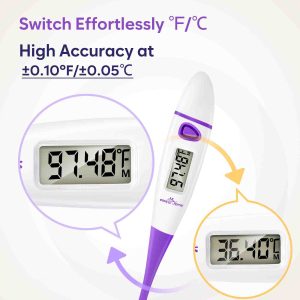
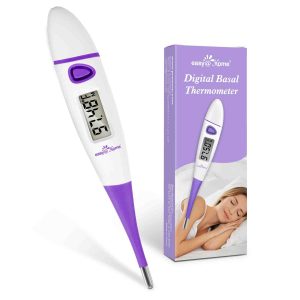
Easy@Home Basal Body Thermometer for Quick 60-Sec Reading
Price range: $8.98 through $9.99 Select options This product has multiple variants. The options may be chosen on the product page -
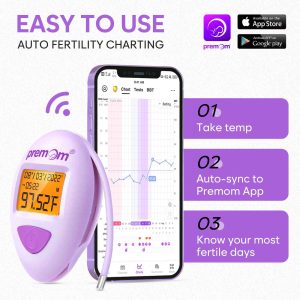

Premom Basal Body Thermometer for Ovulation Tracking
$45.99 Add to cart -

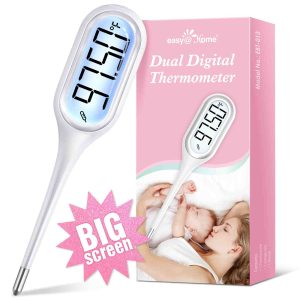
Easy@Home Dual Digital Thermometer
$18.99 Add to cart -

Easy@Home Digital Basal Thermometer with Backlight
$14.99 Select options This product has multiple variants. The options may be chosen on the product page


Anonymous –
I’ve been using basal thermometer for so long, but it was very basic one, no background light, no Bluetooth. I was tired of input temperature manually on app/paper chart. Sometimes my memory of numbers wasn’t so clear.On top of that, my old one has beep sound to tell me when it’s done, but I was barely awake (since taking basal temperature first thing in the bed when I wake up), I had missed hearing beeping, and somehow it was still going up. I thought these temperatures I took last few times were not reliable. So I did a lot of research, and since I was already using Easy@Home ovulation test kits and Premom app, I decided to get this one. And I’m so happy I got this thermometer!! It connects to your phone and app – all you need to do is to open the App (or in the background) on the phone before going to bed so that temperature will be automatically recorded. If you forgot to open before taking temperature, it will be recorded when you open the App, so you don’t have to memorize in fuzzy brain! It brights up the screen first, and it will be darker while taking temperature, and it will bright up again, so even if you closed your eyes or going back to sleep accidentally, it will wake you up kind of! Beeping sound is loud enough to know it’s on and done. Only one thing I don’t like is taking sooooo long. I read some reviews and said taking 5 minutes. I don’t know if it’s taking 5 minutes, but I wish it took my temperature quicker. Overall, I’m happy and it’s worth to upgrade it if you’re using very basic one!
Anonymous –
I love the Bluetooth connectivity and auto upload of temps. I feel the thermometer is accurate but it seems to take a LONG time to get a reading. Overall I would recommend it.
Anonymous –
I always found temping to be troublesome and hard to do. Especially when you have to do before even opening your eyes most times. This has really helped the process as I can just measure my temp and then go about my morning and connect it to the app once I am more awake. Connected easily enough to my phone and haven’t had any issues since.
Anonymous –
I’m very happy with this product. I keep it on my nightstand so I remember to check my temp when I first wake up. I also like that it pairs with my phone via bluetooth marking it easy to keep track of my temp over time on the app.
Anonymous –
It’s seems to be working I only had it for almost a week