


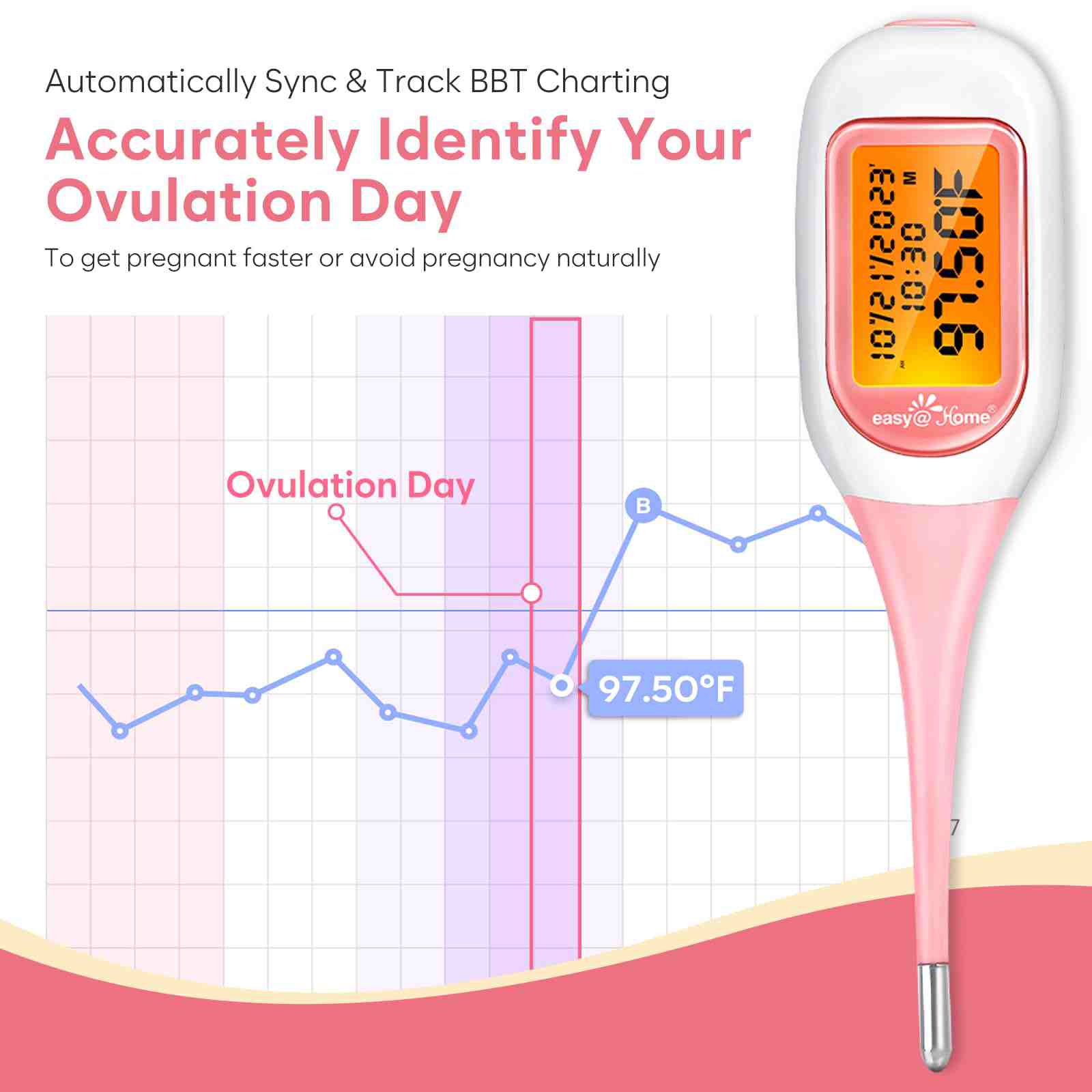

Easy@Home Smart Basal Thermometer with Bluetooth Connection
EBT-300(BT-A31)-PINK:1
Price range: $36.99 through $39.99
- Effortless Pregnancy Journey with Premom App
- Seamless Tracking with Smart Basal Thermometer
- Intelligent Fertility Predictions
- Clinical Precision and User-Friendly Features
- Additional Benefits and Customer Satisfaction
Unique Features

Bluetooth-Enabled

Large LCD Backlit Screen

Unlimited In-App Recording

Waterproof Tip
Innovative BBT Technology for Enhanced Tracking

Cross Check in our App
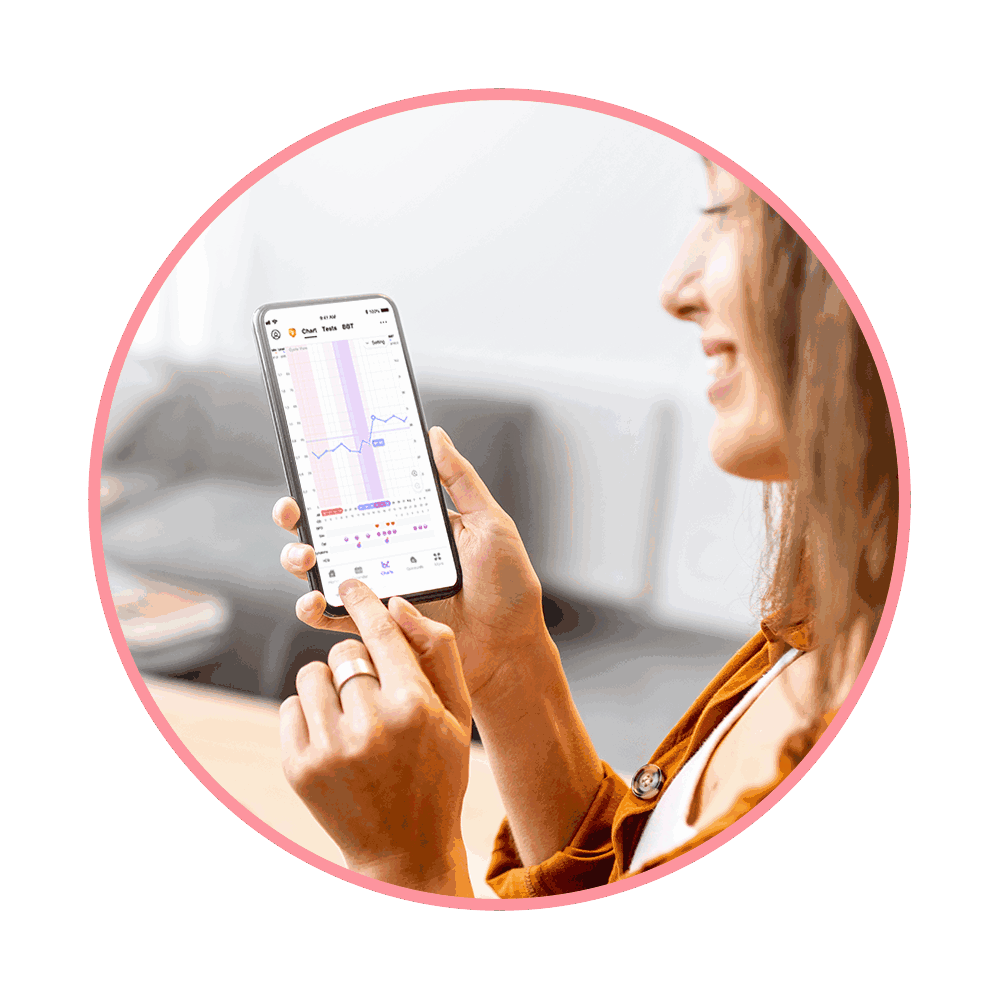
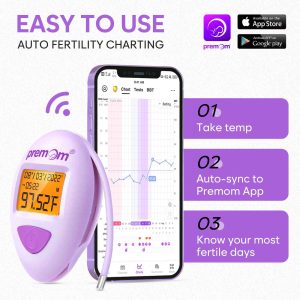
Auto Sync & BBT Charting
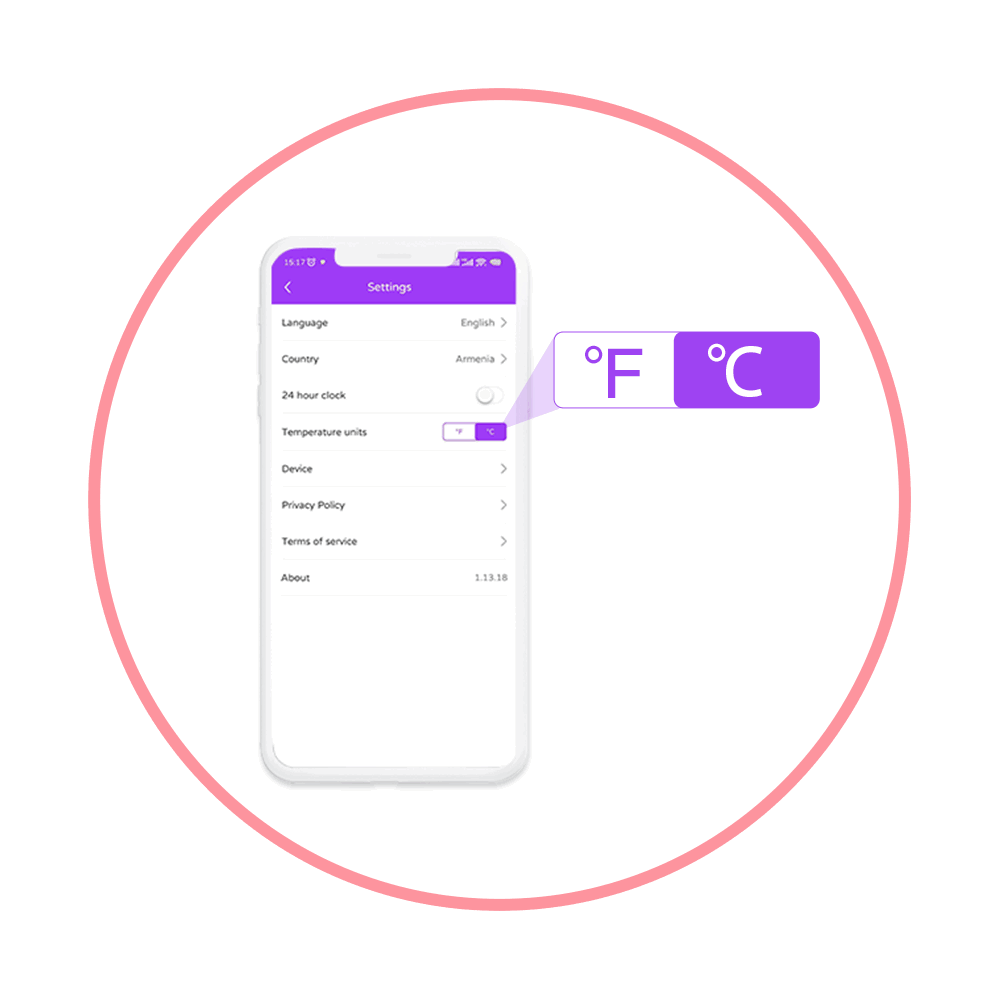
In-App Switch °F to °C

Unlimited Cloud Storage
About Premom App
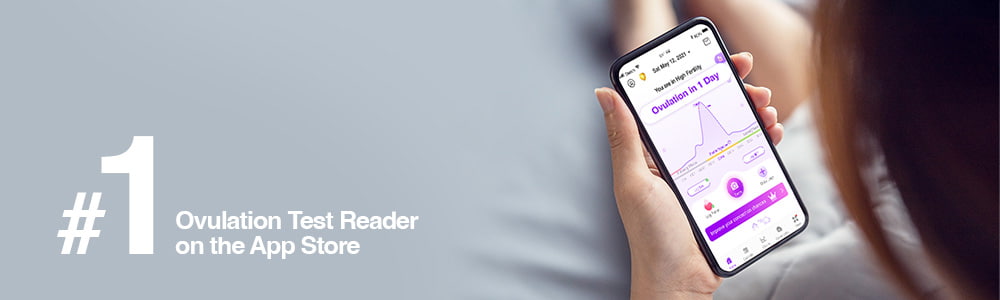
Empower yourself with knowledge of your ovulation and menstrual cycles! The Easy@Home Ovulation Predictor Kit (OPK), in conjunction with the Premom App, assists you in gaining a deeper understanding of your cycles, ultimately aiding you in conceiving quickly and naturally.
Product FAQs
BBT, or basal body temperature, is your morning body temperature measured with a specialized thermometer. It tracks subtle temperature changes to reflect hormonal shifts throughout your cycle, aiding in predicting fertile days for conception.
1.Turn on Bluetooth on your device.
2. Turn on Easy@Home Smart Basal Thermometer.
3. Premom will automatically pair your thermometer with the App on your phone.
1.Upon waking up, turn on Thermometer. Place the probe under your tongue and takereading.
2. In 90 to 120 seconds, you will hear 2 short beeps and your temperature reading will bedone.
3. Your reading will automatically sync to your Smartphone if it is nearby, the Bluetooth is enabled, and the Premom app is running. If the App is not on or the Bluetooth is not enabled, the reading will be uploaded whenever the App is turned on and your thermometer is connected.
1.Swipe left or right on any part of the chart to see past temperature charts.
2. Spread or pinch to zoom in or zoom out chart to see temperature scale based on a bigger or smaller date range.
3. Tap on a temperature dot to see your temperature on that day.
4. Tap “Edit” or “Delete” to change or delete a temperature recording of a certain day.
5. Tap “View Table” to view temperatures in table format.
The algorithm of the app will use the earliest reading only. You can manually delete one reading at Chart page if it is an unsuccessful one
1.User may gain access to the “Enter BBT” page from “Take BBT” button at home page or BBT Table or BBT Chart.
2. Tap the underlined text to add a new temperature.
3. Tap the “-” and “+” buttons up and down to edit existing temperature record.
Within 60 seconds (1 minute) while the temperature unit ºF or ºC is flickering. You have to switch it on again to perform a measurement if the temperature unit stops flickering.
Yes. The Smart Basal Thermometer will automatically power-off 60 seconds (1 minute) after a measurement taking is complete or the temperature unit stops flickering and no other operation is carried out.
130 Reviews
Only logged in customers who have purchased this product may leave a review.
Related products
-
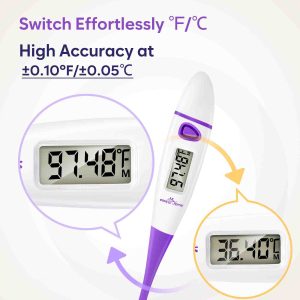
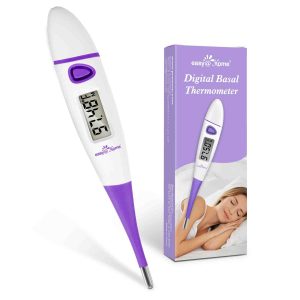
Easy@Home Basal Body Thermometer for Quick 60-Sec Reading
Price range: $8.98 through $9.99 Select options This product has multiple variants. The options may be chosen on the product page -

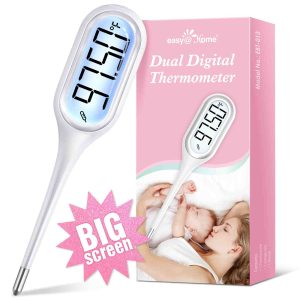
Easy@Home Dual Digital Thermometer
$18.99 Add to cart -

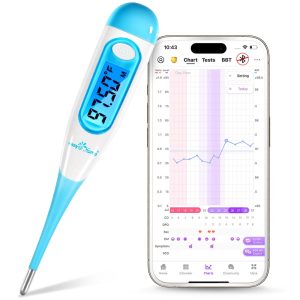
Easy@Home Digital Basal Thermometer with Backlight
$14.99 Select options This product has multiple variants. The options may be chosen on the product page -

Premom Basal Body Thermometer for Ovulation Tracking
$45.99 Add to cart


Brittany Sanborn –
I was originally using a regular thermometer but having to punch it in to my phone was such a pain- sometimes remembering to do it is hard enough. This is such a breeze now! And I love the display screen lights up!
Alyssa Keim –
I loove the thermonitor works great
Anonymous –
exactly as described. And so much easier to use love it 😍
Anonymous –
Bluetooth is super nice and definitely helpful for tracking my ovulating window
Deidra Simmons –
I love how easy this is to use. And I love that it logs automatically for me into the app.