

Introducing Premom’s Partner Feature: Predad™
Designed to help him understand your reproductive cycle while maximizing his own fertility.


Invite Him to Join Your Journey in Premom
If your partner’s been dreaming of being called “Dad” someday, we’ve got you covered. Predad supports him so he can better support you.
See how quickly he’ll battle stress and build confidence when Predad helps him:


Frequently Asked Questions
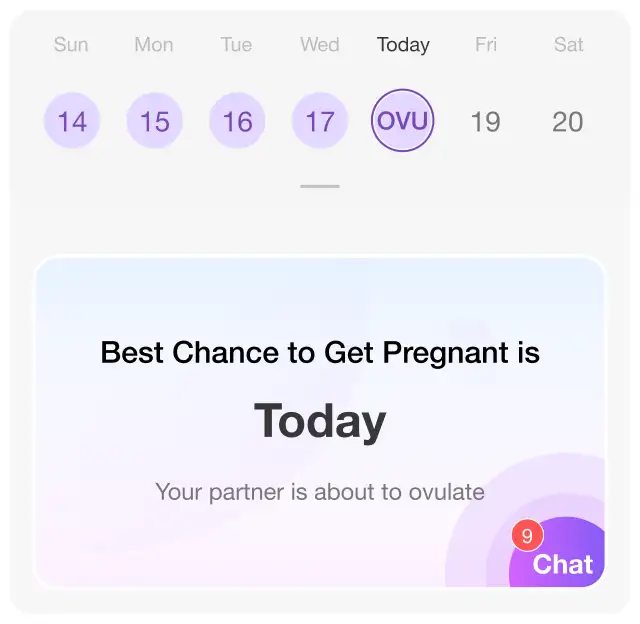
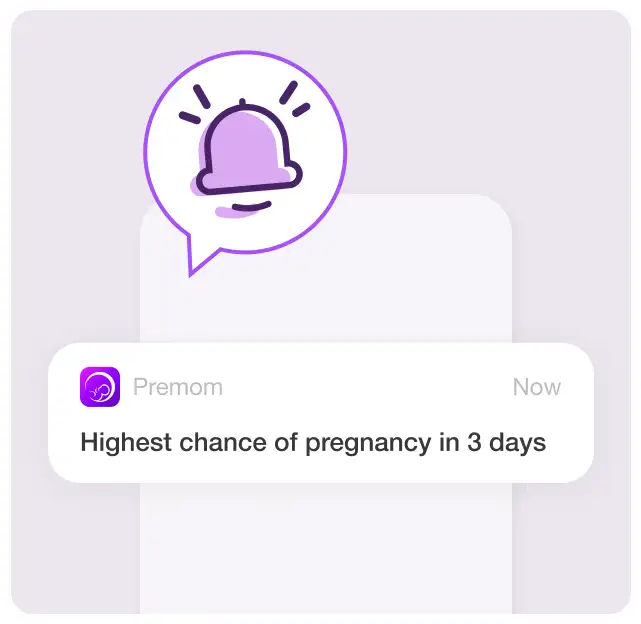
Predad is a new feature in the Premom app designed to help partners get involved in your fertility journey. It allows you to share important information, like your menstrual cycle data, fertile windows, and pregnancy status, with your partner. The goal is to foster communication and support, making it easier for you both to stay connected and informed as you navigate this journey together! To get started, have your partner download the free Premom app and share your unique pairing code to sync accounts.
Yes, your partner will need to download the Premom Period and Ovulation Tracker app to access Predad. To get started, open up your Premom app and navigate to the ‘More’ tab. Tap on the Predad banner and generate a unique pairing code, which you can share with your partner. They can then use your link and code to download the Premom app and link your accounts.
Finding your unique pairing code in the Premom app is super easy! Just follow these steps to invite your partner and start sharing:
- Open the Premom app and head over to the ‘More’ tab. You’ll find it at the bottom right corner of your screen.
- Tap on the Predad banner at the top of the ‘More’ page. Then, tap the purple button that says ‘Get Pairing Code.’ This will take you to a page where you can choose what data you’d like to share with your partner.
- Select the data you wish to share and hit ‘Next.’ Remember, you’re always in control of your data, so you can stop sharing at any time or adjust what you want to share.
- Once you make your selections, your unique pairing code will be generated—just for you to share with your partner!
- Your partner will need to download the Premom app and enter the pairing code you’ve shared.
- After they enter the pairing code successfully, they’ll be ready to explore Predad, and you can start chatting and connecting.
You can choose to share your fertile window, period tracking, and pregnancy tracking with your partner. Predad makes it easy for your partner to join you on your journey—whether you’re trying to conceive or navigating the wonderful journey of pregnancy. You’re always in control of your data, so you can select exactly what you want to share!

